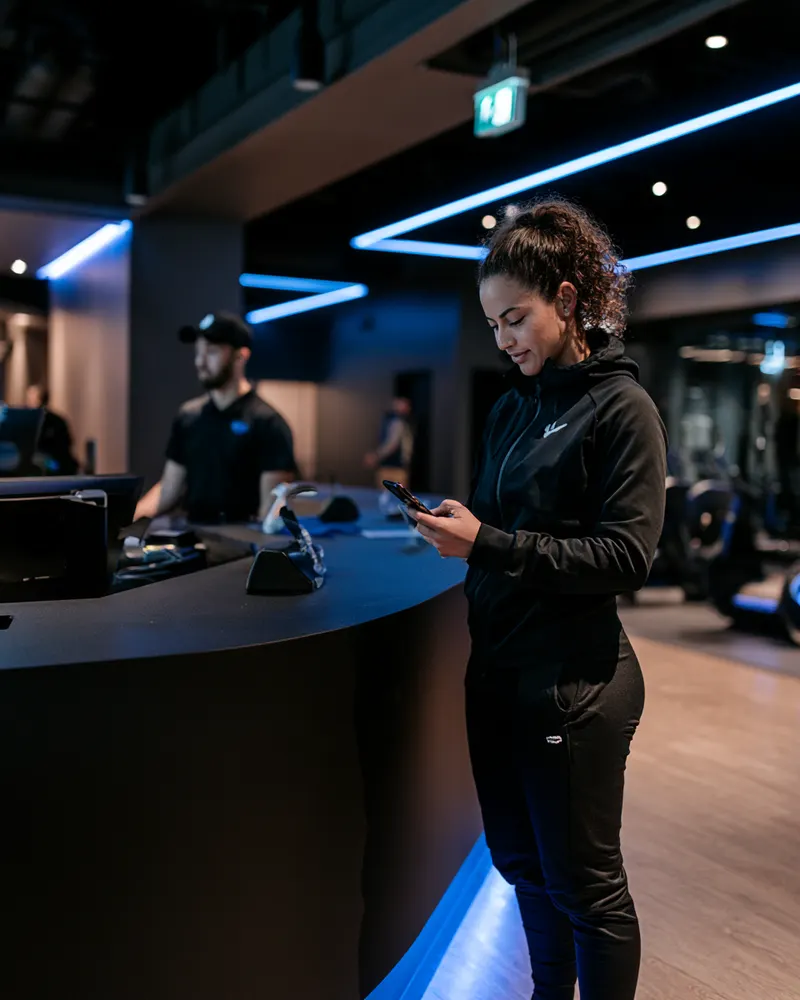
Before the first visit
Your signing link lives in trial sign-ups, membership emails, and class bookings. Most new faces arrive already signed.
Free plan available. Paid plans from $15/month. No credit card required.
A new member's first impression shouldn't be a clipboard. Waiver Studio puts your liability waiver and studio policies into one branded mobile flow—signed before the first class or in seconds at the desk.
Every paper signup taxes the desk twice: once while the new member fills it out with a class starting in four minutes, and again when someone files it, types the details into the membership system, and hopes the handwriting was right. Multiply by every trial, day pass, and drop-in, and paper quietly becomes a part-time job.
The quieter problem is version drift. A gym's waiver changes over the years—new equipment, new classes, new legal advice—and the drawer doesn't record which version each member signed. Waiver Studio pins every signature to the exact published version, shows you who's on outdated text, and makes a re-sign campaign a link in an email instead of a month of counter conversations.
Day passes and trials are where paper fails silently: on a busy night, the form gets skipped "just this once." A QR code at the desk removes the excuse—signing takes a minute on the visitor's own phone, and the roster confirms it before they touch a machine.
Your signing link lives in trial sign-ups, membership emails, and class bookings. Most new faces arrive already signed.
A QR code covers walk-ins and day passes. Staff search any name and see status instantly—no binder, no filing cabinet.
Update your document and every previous record still shows the exact version each member signed. New signers get the new version automatically.

Youth programs and family memberships are covered: guardians sign for minors in one session, and each minor is tracked individually. For bootcamps, challenges, or corporate group sessions, an event link gives you a live roster of who's cleared to train.
Starting points, not legal advice: build your form from the document your counsel has approved. We’ll convert your existing waiver free—send it over.
A well-built waiver for this industry usually covers the sections below. This is structure, not legal language—your counsel writes and approves the words, and we’ll turn the approved document into a polished signing flow at no cost.
Name, date of birth, and who to call.
The inherent risks of training, classes, and equipment use.
The fitness-to-exercise confirmation your policies require.
House rules members agree to follow.
Parent or guardian signature where minors train.
Drafted and reviewed by your counsel.
Email and SMS permission stays its own unchecked box—never bundled.
Agreement to sign and receive records electronically.
Waiver Studio digitizes the document you provide; it does not provide legal advice or determine whether your terms are appropriate for your jurisdiction. Send us your waiver and we’ll set it up for you.
No. They scan the QR code at the desk, sign on their own phone in about a minute, and appear on your roster immediately. No app, no account, no shared tablet.
Every signed record is permanently linked to the exact version the member signed. When you publish a change, you can see who is on an older version and ask them to re-sign if your policy requires it.
Only if they choose to. Marketing consent is a separate, optional checkbox—signing a waiver never automatically enrolls anyone in email or SMS.
Integrations with booking and fitness platforms are planned and will be listed with exactly what data moves in which direction once they're live and tested. Today, the signing link works inside any confirmation email your current system sends.
Yes—unlimited templates on paid plans. Publish a general facility waiver plus separate agreements for PT, specialty classes, or youth programs, each with its own link and records.
Email the signing link to your member list and watch completion climb on the dashboard; the QR code at the desk catches everyone else on their next visit. No accounts, about a minute each.
Put the signing link in your onboarding email so the waiver is complete before the fob is issued, and check status by name in seconds whenever someone's standing at the desk.
Role-based access means desk staff can search names and see signed status without touching billing, templates, or account settings. Every staff action lands in the activity log.
Also see: Climbing gyms · Events & venues · or browse all industries.
Free plan, no credit card. Or send us the waiver you already use and we’ll set it up at no additional cost.